How to Find Your NBI Reference Number Online Full Guide 2026
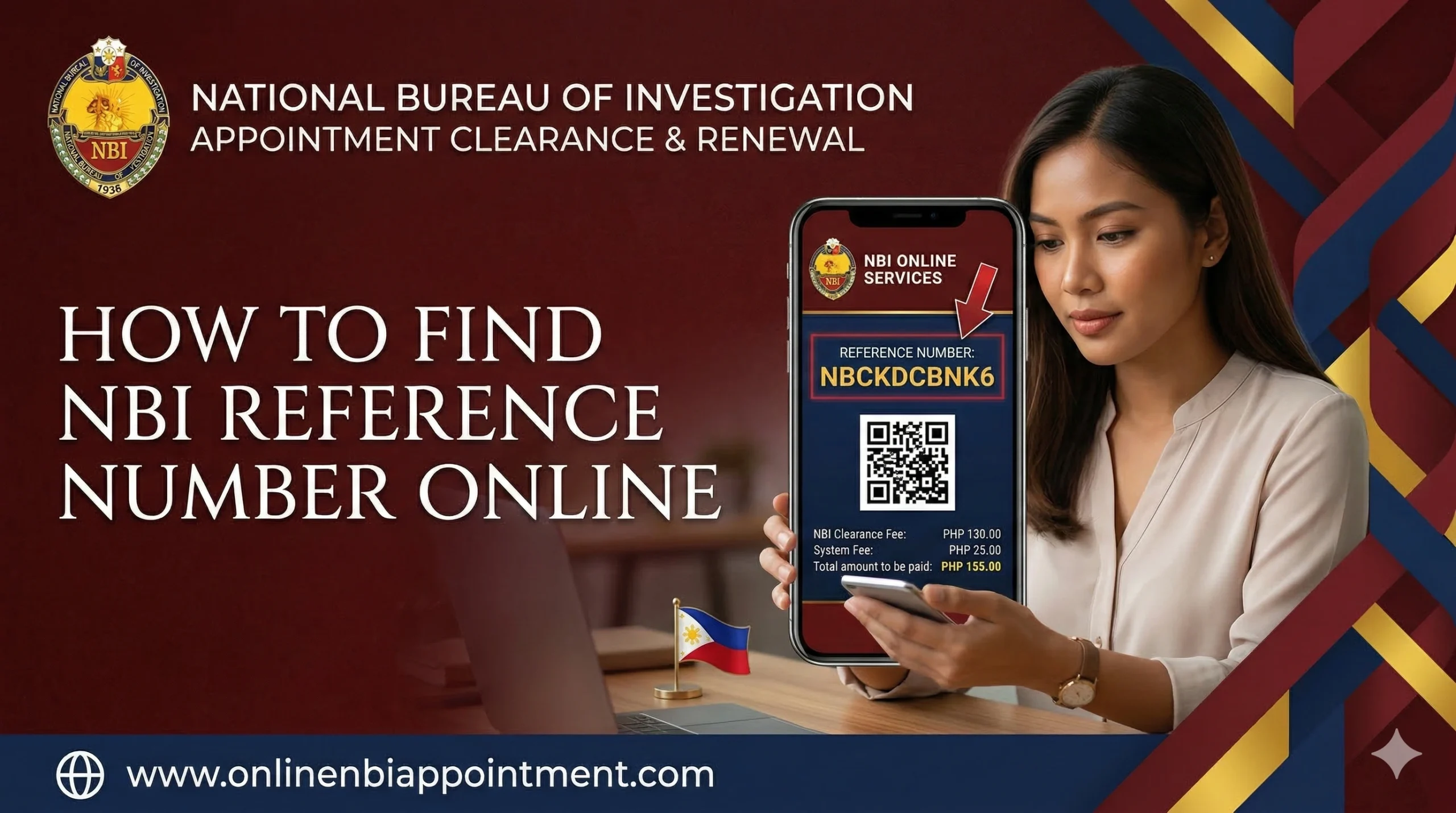
Getting your NBI Clearance in the Philippines might seem like a lot of work, but the system is actually quite organized once you understand the basics. One of the most important pieces of information you will deal with is the NBI Reference Number. This is a special 10-digit code given to every person who signs up and schedules an appointment through the official online portal.
Think of this number as your “ticket” for the entire process. It tells the NBI staff who you are, confirms that you have paid, and helps them print your clearance certificate without any delays. However, it is very common for people to finish their online registration and forget to save this number. If you lose it, you might feel stuck because you can’t pay for the service or even show up for your appointment.
Don’t worry! This article will explain exactly what this number is and how you can find it again if it slips your mind.
NBI Clearance Guide
How to Find Your Reference Number Online
Login Portal
Visit the official NBI Clearance Online portal and log in to your account.
Transactions
Click on the “Transactions” menu on the left sidebar of your dashboard.
Find Entry
Locate your specific application in the transaction history list.
Copy Code
Your Reference Number is displayed clearly next to your application details.
Note: Always keep a screenshot or written copy of your reference number for your appointment.
What is an NBI Reference Number?
The NBI Reference Number is a unique, 10-digit code generated by the computer as soon as you finish filling out your application online. It is the official “name” of your current transaction. Whether you are applying for a new job or traveling abroad, this code is what connects your personal details to the NBI database.
You will see this number right after you choose your appointment date. It is highly recommended to take a photo or a screenshot immediately so you have it ready on your phone.
Importance of NBI Reference Number
You might wonder why a simple string of numbers matters so much. Here are the main reasons why you cannot finish the process without it:
- For Making Payments: You cannot simply walk into a bank or a 7-Eleven and ask to pay for “NBI.” You must provide your reference number so the payment system knows which account to credit.
- For Your Appointment: When you arrive at the NBI branch, the security guards or officers will ask for this number. It proves that you actually have a slot for that day.
- For Checking Your Status: If your clearance is delayed (often called a “HIT”), you can use this number on the website to see if your document is finally ready for pickup.
- For Fixing Errors: If there is a mistake on your form, the staff will use this code to pull up your file and make the necessary changes.
What Should You Do If You Lose Your Number?
First, take a deep breath you don’t need to start a brand-new application. Some people think that if they lose the number, they have to register all over again with a new email address. That isn’t true! The NBI system keeps a record of every application you make. As long as you remember your login details, your reference number is safe and waiting for you inside the portal.
How to Recover Your Lost NBI Reference Number Complete Process
If you forgot to write your number down, just follow these simple steps to get it back:
Step 1: Visit the Official Website
Open your phone or computer browser and go to https://clearance.nbi.gov.ph. Always make sure you are on the official “.gov.ph” site to keep your personal data safe from scammers.

Step 2: Log Into Your Account
Look for the “Sign In” box. Enter the email address and the password you created when you first registered. If you can’t remember your password, use the “Forgot Password” link to get a reset code sent to your email.
Step 3: Open the Transactions Menu
Once you are on your personal dashboard, look at the menu on the left side (or the top menu if you are on a phone). Click on the button labeled “Transactions.” This area acts like a history book of every time you have applied for a clearance.

Step 4: Copy Your Reference Number
Inside the Transactions list, look for your most recent entry. You will see a 10-digit code listed there. This is your active Reference Number. Take a screenshot, write it in a notebook, or save it in your phone’s notes app right away.
Pay NBI Fee & Biometric Process
Now that you have your number back, you can move forward with these steps:
- Pay the Fee: Go to your chosen payment center (like Bayad Center, GCash, or Maya) and use the number to pay.
- Go to the Office: On your scheduled date, bring a valid ID and show your reference number to the staff.
- Biometrics: They will take your photo and fingerprints.
- Claiming: If you have no “HIT,” you can usually get your paper on the same day!
How to Keep Your Reference Number Safe
- Screenshot Everything: As soon as a confirmation page pops up, snap a photo.
- Email it to yourself: Copy the number and send it to your own email address with the subject “NBI Code.”
- Check your SMS: Sometimes the system sends a text message, so check your inbox.
Frequently Asked Questions (FAQs)
1. Is the Reference Number the same as my NBI ID?
No. The Reference Number is for the application process. The NBI ID is the permanent number found on your finished certificate.
2. Can I use an old reference number from last year?
No. Every time you apply for a new clearance, the system generates a brand-new 10-digit code.
3. What if my transaction list is empty?
This usually means your application didn’t save properly. You may need to fill out the “Apply for Clearance” form again to get a new number.
4. Can I pay without the number if I show my valid ID?
Most payment centers require the 10-digit code to process the transaction, so it is very difficult to pay without it.